Last Updated on 21/10/2026 by Emmanuel Farrugia
Deinterlacing: What It Is and Why It Matters for Your Videos
Discover why deinterlacing is essential when converting legacy video formats like VHS and camcorder tapes for modern digital displays. In this guide, we explore how interlacing works, why older footage suffers from visual artifacts on high-definition screens, and the best techniques used to ensure your precious family archives are professionally restored and optimised for crystal-clear playback.
ON THIS PAGE:
What is Deinterlacing?
Deinterlacing is the essential process of converting interlaced video content into progressive video.
To understand why this matters, it helps to look back at how older analog televisions worked. Interlacing was originally designed to optimize video transmission and save bandwidth. Instead of displaying a complete picture all at once, each video frame was split into two separate fields: one capturing the odd-numbered horizontal lines, and the other capturing the even-numbered lines at a slightly different moment in time.
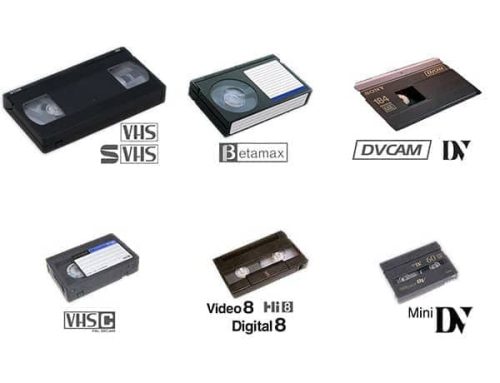
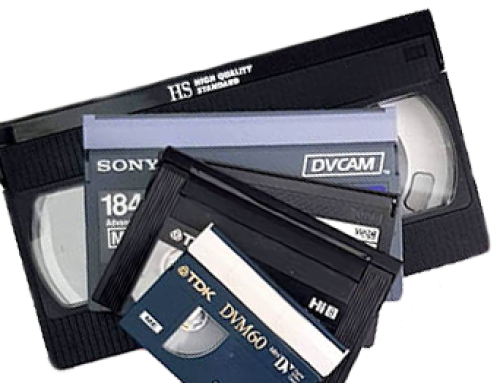
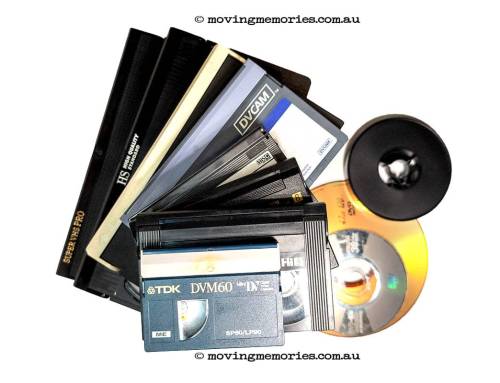
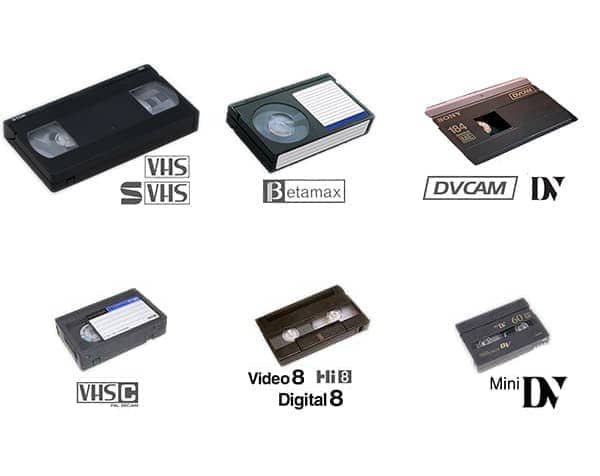
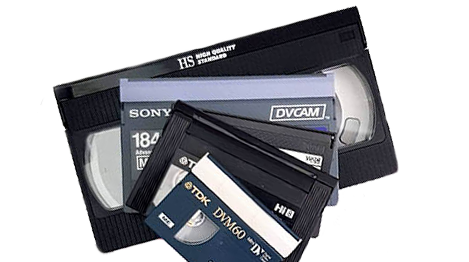
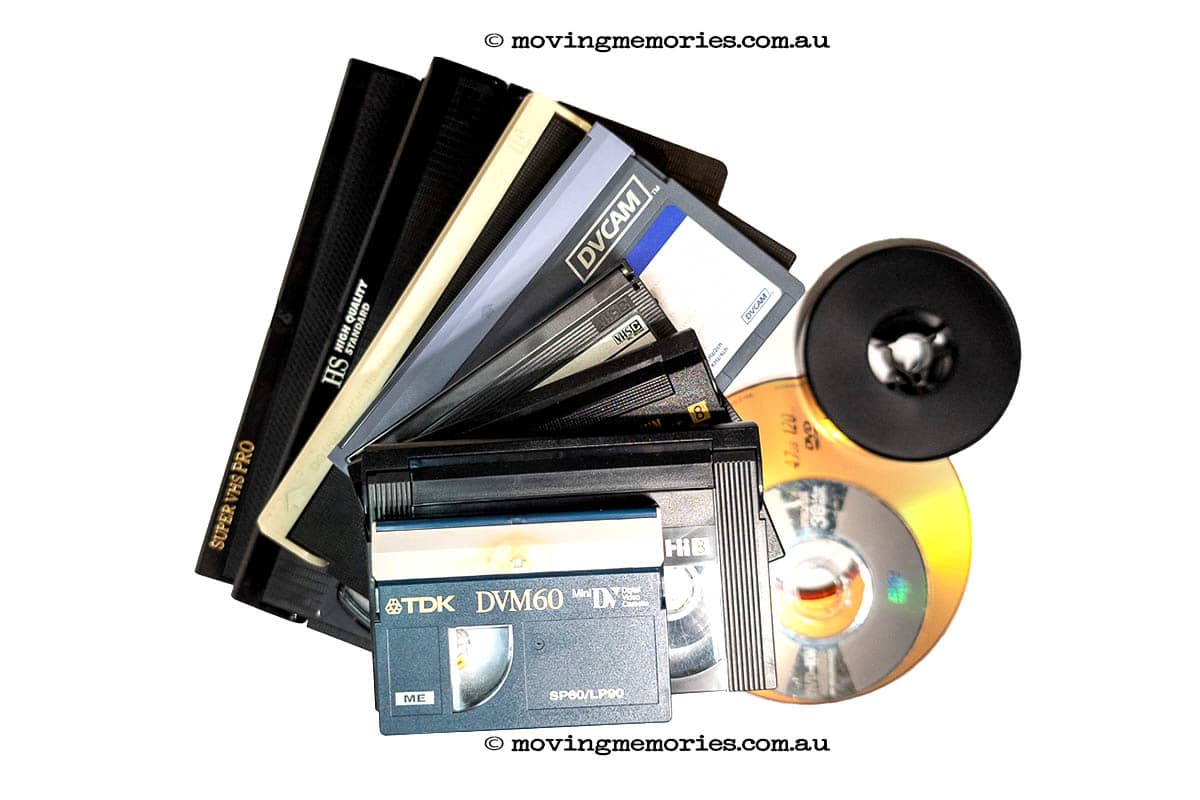
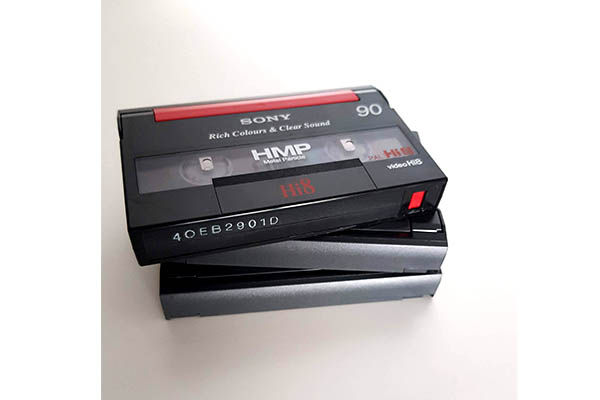
You will typically find interlaced video tucked away in legacy formats like home-movie VHS tapes, S-VHS, Video8, Hi8, MiniDV, Laserdiscs, and older DVDs. You can explore the complete list of formats we support on our videotape digitising services page.
hi8-tapes-stacked-01
hi8-tapes-stacked-01
Why Interlaced Video Fails on Modern Screens
When you play an interlaced video on modern digital displays, such as computer monitors, smartphones, smart TVs, or streaming platforms, the mismatch causes noticeable visual problems:
Combing and Jagged Edges: Because the odd and even lines were captured at different split seconds, rapid movement causes horizontal edges to look stair stepped, broken, or comb like.
Flickering: The alternating nature of interlaced fields creates distracting flashing or flickering, particularly in scenes with fast motion.
Reduced Clarity: Interlacing cuts the effective vertical resolution in half compared to a true progressive image.
Deinterlacing removes these artifacts, turning split fields into smooth, unified full frames ready for modern high definition playback.
davinci-resolve-studio-video-editing-software
Common Deinterlacing Methods
Depending on the software or hardware used, different algorithms handle the conversion from interlaced to progressive:
Bob Deinterlacing: Duplicates each field to create complete frames. While this keeps playback smooth and doubles the frame rate, it can sacrifice some vertical resolution and fine image detail.
Blend Deinterlacing: Averages adjacent interlaced fields to build new frames. It reduces flickering nicely, but can introduce motion blur during fast-moving sequences.
Motion Adaptive Deinterlacing: The gold standard for high quality restoration. This advanced method uses motion estimation algorithms to detect movement and dynamically adjust processing, keeping static areas razor sharp while minimising artifacts in motion.
RCA-audio-and-video-cables
Tips for Clean Video Digitisation and Preservation
Verify Your Source First: Not all legacy video is interlaced. Always inspect your source files to confirm their scan type before applying filters, as incorrectly deinterlacing true progressive video will degrade quality.
Match Method to Content: Use simpler blending techniques for static footage, but rely on motion-adaptive algorithms for high-action scenes to preserve sharpness.
Protect Fine Details: Choose processing workflows that retain the original clarity of your archive footage rather than overly softening or blurring the picture. Learn more about our complete restoration workflow on our how it works page.
Important Considerations
At Moving Memories, we specialise in breathing new life into vintage media formats, ensuring your precious family tapes and historical archives are professionally digitised, cleaned, and optimised for today’s screens. To get started, visit our contact page or get an instant estimate on our pricing page.